Refurbished Laptops in South Africa – The Complete 2026 Buying Guide
Are refurbished laptops worth it in South Africa? Learn what to check, what warranty to expect and how to avoid bad deals before you buy.
Read more →· 6 min read
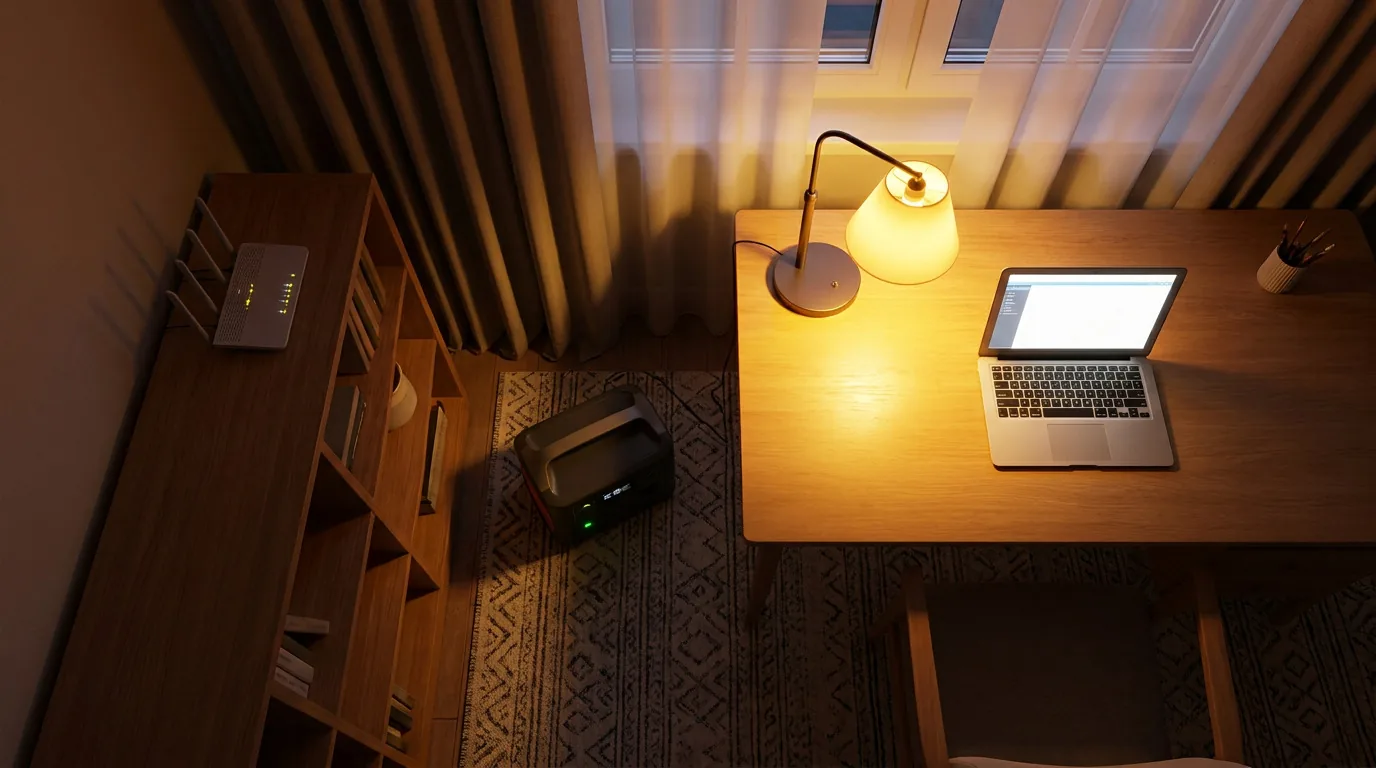
Load shedding has eased in stretches, and South Africans have enjoyed long periods without scheduled outages. The grid is still fragile, though, and anyone who works, studies or runs a business from home knows that one unplanned cut in the middle of a video call is enough to lose a day.
The good news is that keeping a laptop and home office running through an outage does not need an expensive solar system. This guide walks through the options in order of cost, from simple fixes to full backup, so you can pick what fits your home and budget. If you are ready to shop, see our solar and power solutions.
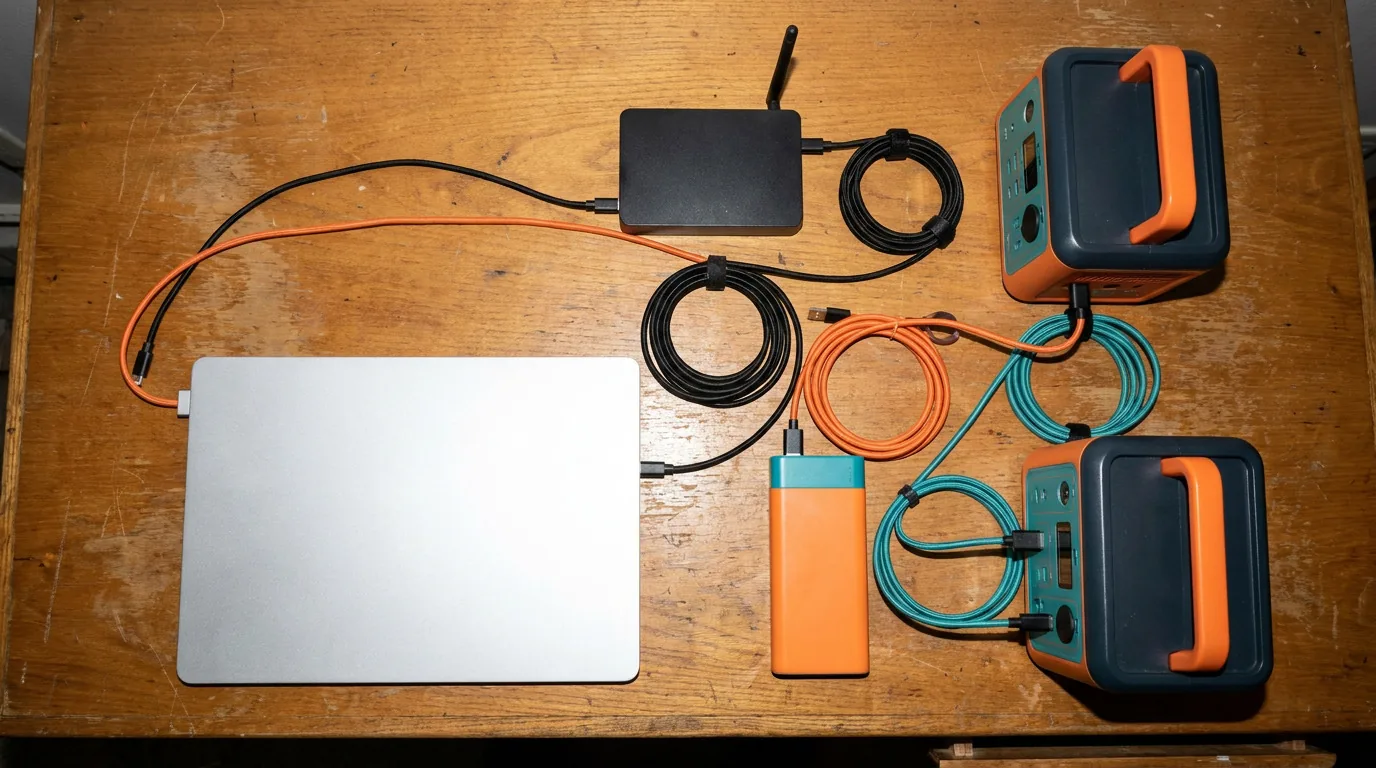
Before you buy anything, work out how much power your essentials use. Almost everything is printed on the device or its charger in watts (W).
| Device | Typical use |
|---|---|
| Laptop | 30–65W while working |
| Wi-Fi router and fibre box | 10–20W combined |
| Phone charging | 10–20W |
| Desktop PC and monitor | 100–250W or more |
| LED lights | 5–10W each |
A simple formula helps: watt-hours (Wh) = watts × hours. A laptop at 45W plus a router at 15W uses about 60W. A two-hour outage therefore needs around 120Wh, before allowing for losses. Add roughly 20 percent as a buffer.
A laptop is already a battery-powered device, which is one reason it is the best home office computer for South African conditions. If your laptop battery still holds a good charge, you can keep working for several hours without any extra gear.
If your battery has weakened, replacing it is the cheapest backup upgrade there is. Our laptop batteries restore your runtime for a fraction of the cost of other solutions, and our guide to replacing a laptop battery shows how. When you buy a laptop, check its battery health first. Our refurbished laptop buying guide explains what to ask.
Keep a spare laptop charger in your bag or at a second workspace so you never run flat while a cable is in the wrong room.
A charged laptop is not much use if your router is off. Fibre routers and the optical terminal box need power too, so internet drops the moment the grid does.
Two common fixes:
An uninterruptible power supply (UPS) is a battery box that keeps a desktop, monitor and router running long enough to save your work and shut down safely. It also protects against surges and dips that damage electronics. A typical home UPS gives you minutes to an hour or two, depending on the load and the battery size. It is a good fit if you work on a desktop computer and want to avoid lost files.
A portable power station is a large rechargeable battery with mains sockets, USB ports and sometimes solar input. Unlike a UPS, you can carry it, use it outdoors and often recharge it from solar panels as well as the wall.
Here is a quick way to size one. Say you want to run a laptop and a router, 60W in total, for four hours: that is 240Wh. Power stations lose some energy in conversion, so a model rated around 300 to 500Wh would cover it comfortably. The larger the capacity, the longer you run and the more you can plug in.
Compare options in our solar and power solutions range.
If you want your whole home or office to carry on through an outage, a full backup system is the answer. Installers generally recommend a hybrid inverter, because it connects to the grid, to a battery and to solar panels, and keeps running when the grid fails. If you add panels later, you do not have to replace the inverter.

This route costs the most and needs a qualified installer, but it also reduces your electricity bill over time. Whatever system you choose, use a registered installer and make sure the installation is certified.

| Option | Best for | Runs | Limits |
|---|---|---|---|
| Laptop battery | Single worker with a laptop | Several hours | Does not power the router |
| DC UPS for router | Staying online | Hours | Powers the router only |
| Mains UPS | Desktops and monitors | Minutes to a couple of hours | Short runtime, heavy for big loads |
| Portable power station | Laptop, router, lights, phones | Hours, scalable | Cost rises with capacity |
| Hybrid inverter + battery + solar | Whole home or office | All day with solar | Highest cost, needs an installer |
The best setup combines these layers: a laptop with a healthy battery, a UPS for your router, and a power station or UPS for anything that must not go off. Pair it with a comfortable workspace and you have an office that survives outages. Our budget home office setup guide covers the desk, chair and accessories side of the setup.
Starting from scratch? A new laptop with a fresh battery is the most capable choice for a power-cut-proof workspace. A tested refurbished laptop with a replaced battery is the budget version.
Most healthy laptops run three to eight hours depending on the model and what you are doing. Lower brightness and fewer open apps stretch it further.
A healthy laptop battery plus a small DC UPS for your router, or a phone hotspot, is the lowest-cost combination for most people.
No. Panels reduce your bills and extend your runtime, but a power station or UPS covers short outages without any installation.
Yes, but a laptop already has a battery, so a UPS is most useful for the router, a desktop and a monitor.
See our full range of solar and power solutions, or ask our team to help you size a setup for your home office.
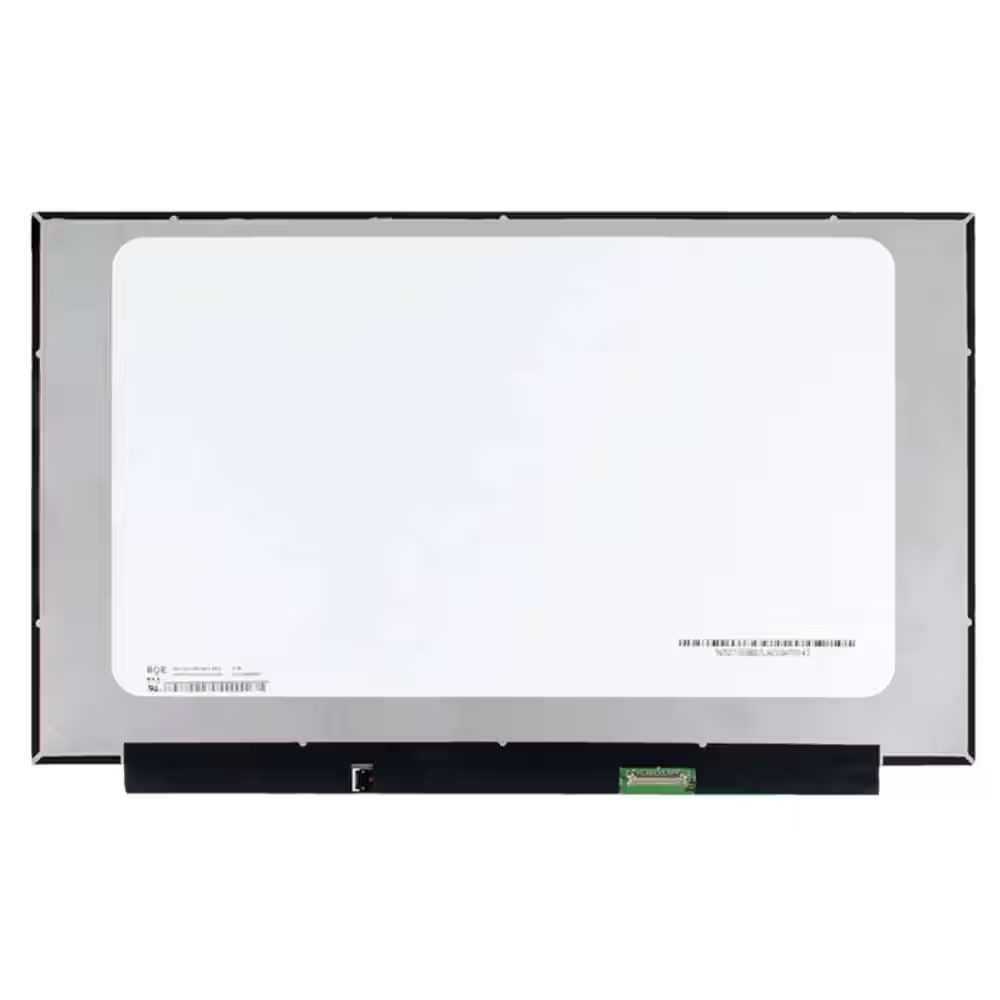 Screen Replacement for BOE NE156FHM-NZ3 V8.0 V8.1 40pin 360Hz FHD 1920x1080 IPS 15.6 LED Display
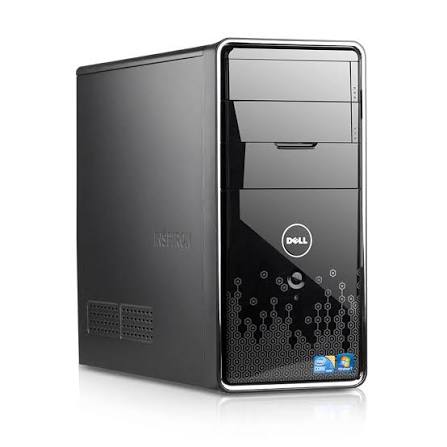 Dell Inspiron 580 Desktop PC: Intel Core i3, 4GB RAM, Mini Tower - 500Gb HDD - Win 10 - Office
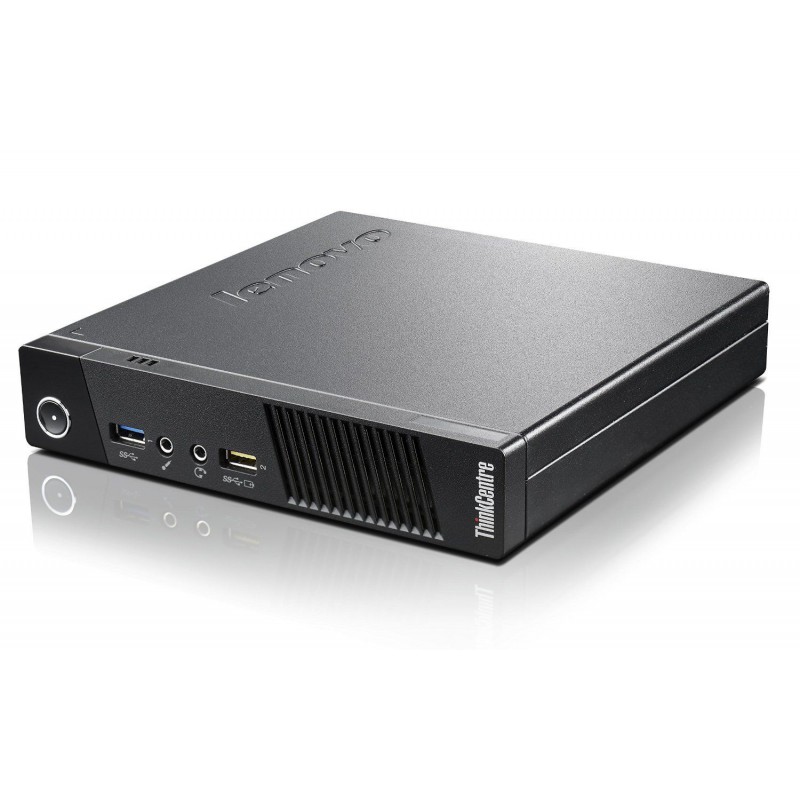 Lenovo Thinkcentre M93p Tiny Intel Core i5-4570T 4GB DDR3 Windows 11 Installed
Are refurbished laptops worth it in South Africa? Learn what to check, what warranty to expect and how to avoid bad deals before you buy.
Read more →Refurbished or new laptop? Compare price, performance, warranty and battery life, and find out which suits your budget and your work in…
Read more →Step-by-step guide to finding the right laptop battery, screen, keyboard or charger in South Africa, plus how to fit it safely and save on…
Read more →