Refurbished Laptops in South Africa – The Complete 2026 Buying Guide
Are refurbished laptops worth it in South Africa? Learn what to check, what warranty to expect and how to avoid bad deals before you buy.
Read more →· 6 min read
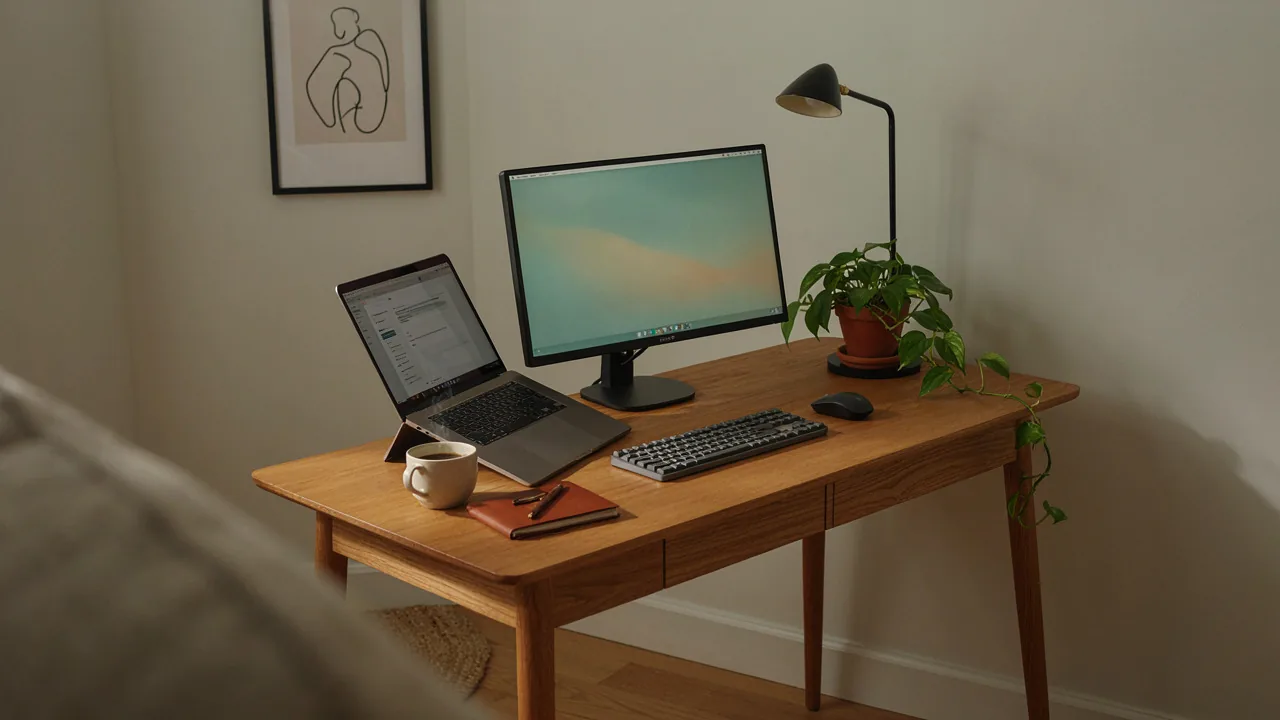
A productive home office comes down to a handful of decisions: the right computer, a screen you can see comfortably, a keyboard and mouse that do not hurt your hands, a chair and desk that support you, and a way to keep working when the power or the internet drops. Get these right and the rest is polish.
This guide walks you through each piece in order of importance, with ideas for three budget levels. Everything here is available in the Dealafied range, from computers to accessories and home goods.
Your computer is the centre of the setup, so spend here first.
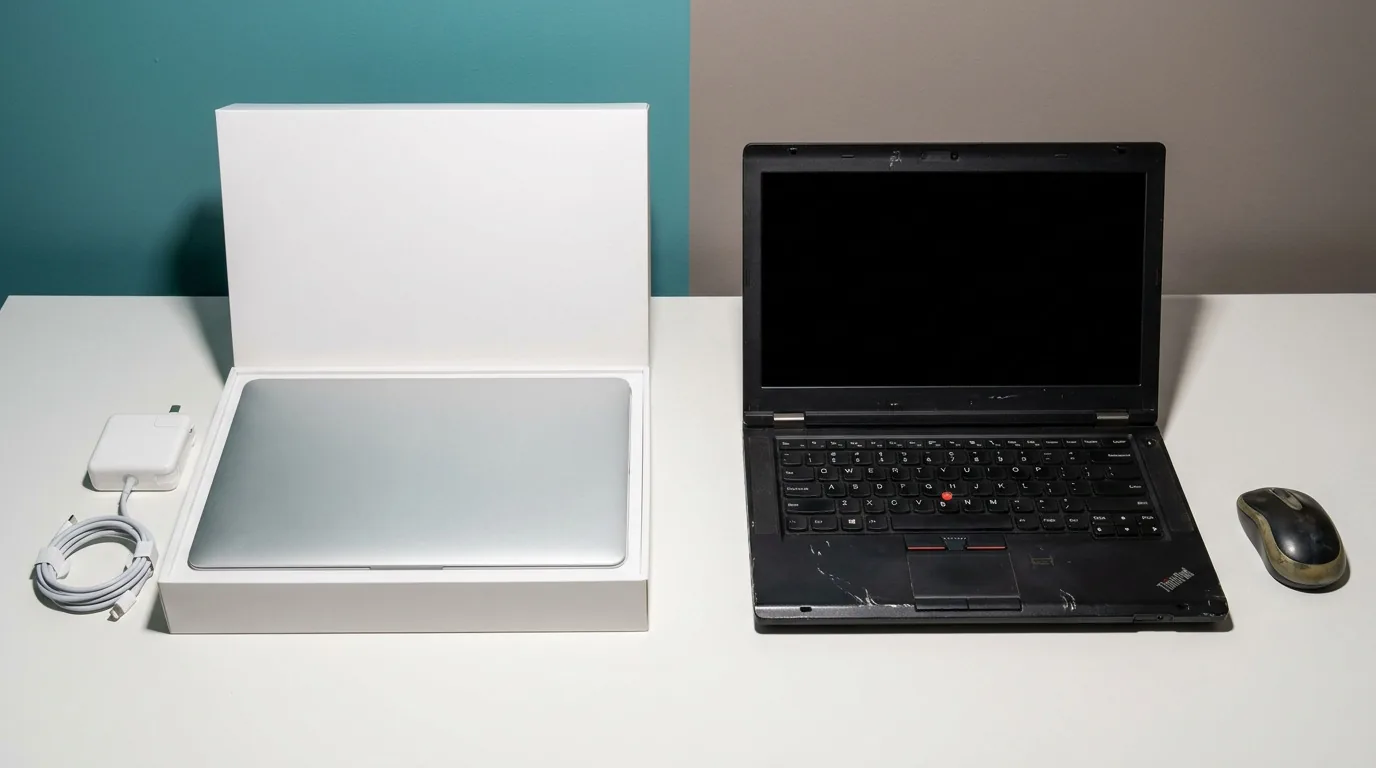
For most home office work, a refurbished machine gives you the best value. Business-class laptops and desktops are built for long working days and come with a warranty from the seller. See our refurbished laptops and refurbished desktops. If you want the newest technology and the longest warranty, browse new laptops and new desktops.
Not sure which route to take? Read our refurbished vs new laptop comparison and our refurbished laptop buying guide.
For office work, video calls and browsing, aim for 8GB of RAM, a solid-state drive and a recent Intel Core i5 or equivalent. Move up to 16GB of RAM if you juggle many browser tabs, large spreadsheets or light design work.
A second monitor is one of the cheapest productivity upgrades. Working with two windows side by side, such as a document and a research tab, saves a surprising amount of time. If you use a laptop, an external monitor also lets you raise the screen to eye level, which is far better for your neck. Check our computer accessories for monitors, stands and cables.
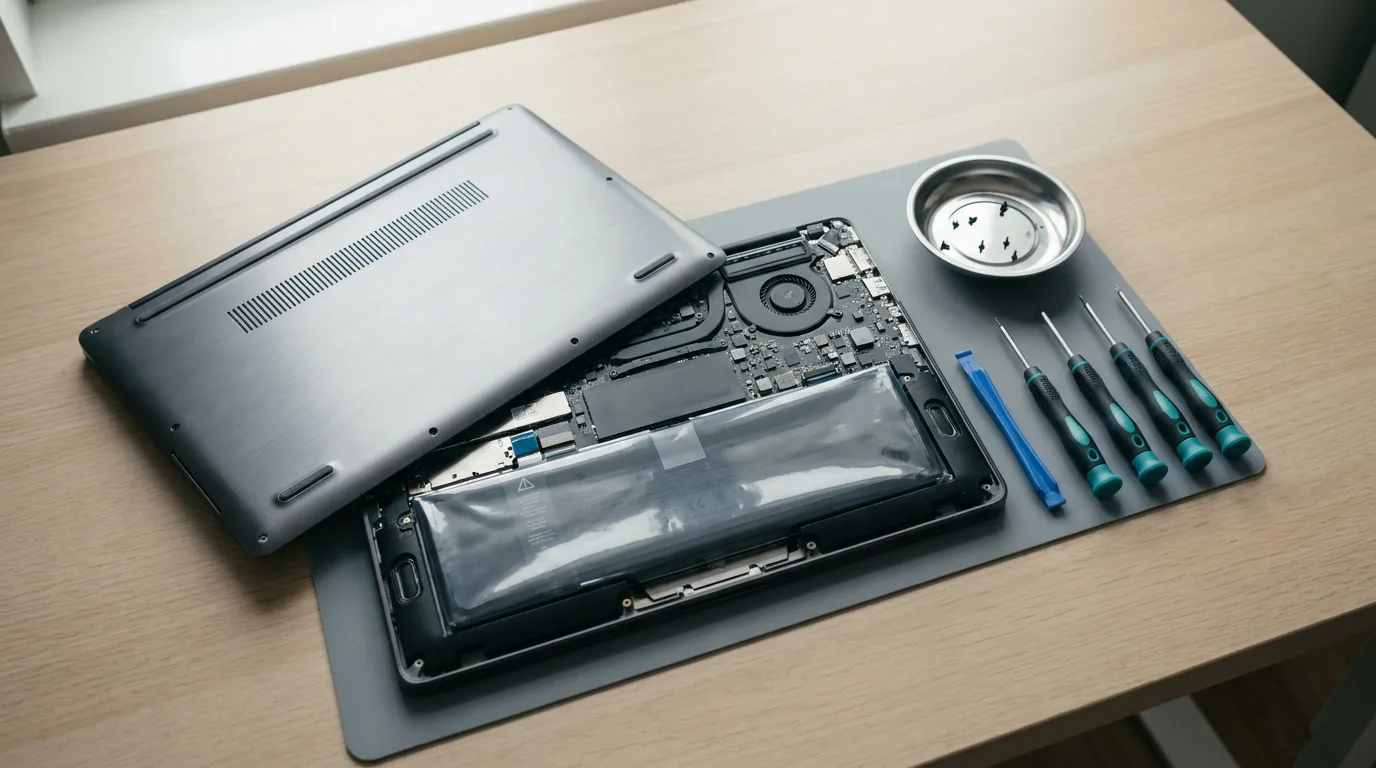
Typing on a laptop keyboard all day tires your wrists. A full-size external keyboard and a comfortable mouse make a big difference, especially if you are at your desk for hours. If your laptop keyboard has failed, our guide to replacing a laptop keyboard shows you how to fix it instead of replacing the machine.
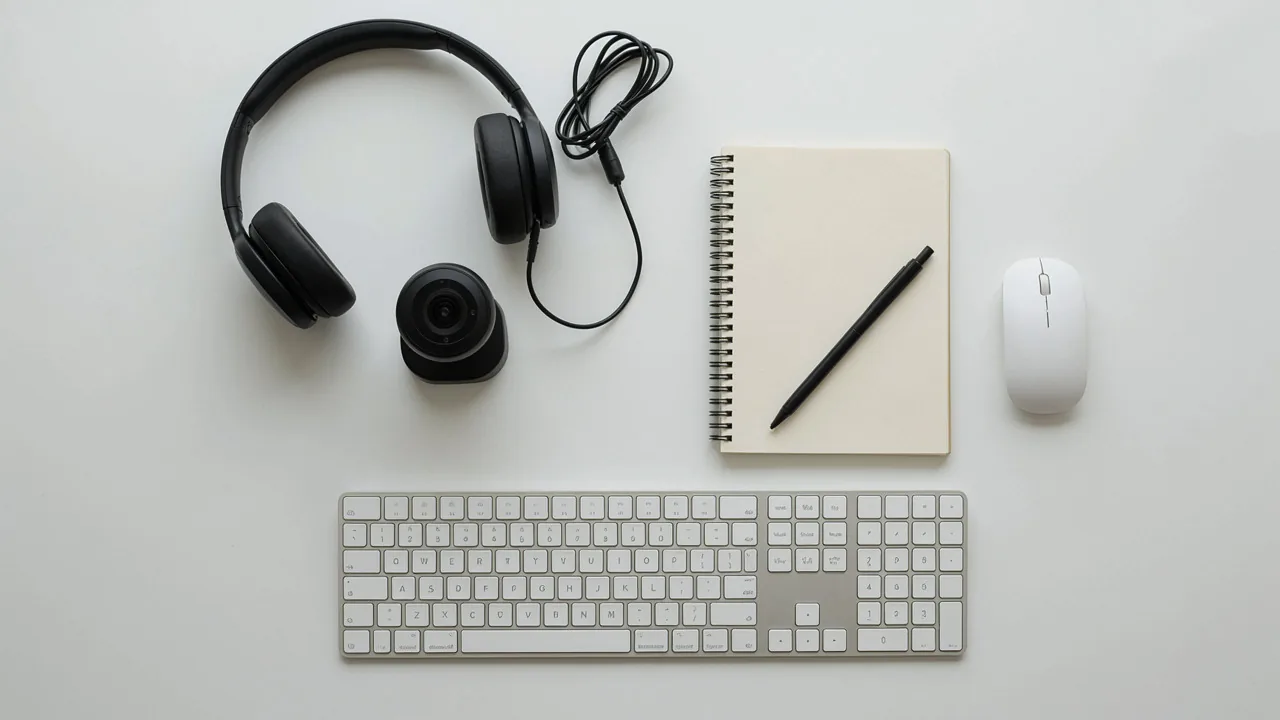
Meetings are part of home working, so invest in how you look and sound:
This is where many home offices go wrong. A dining chair and a kitchen table work for an afternoon, but not for a working week. Aim for this posture:
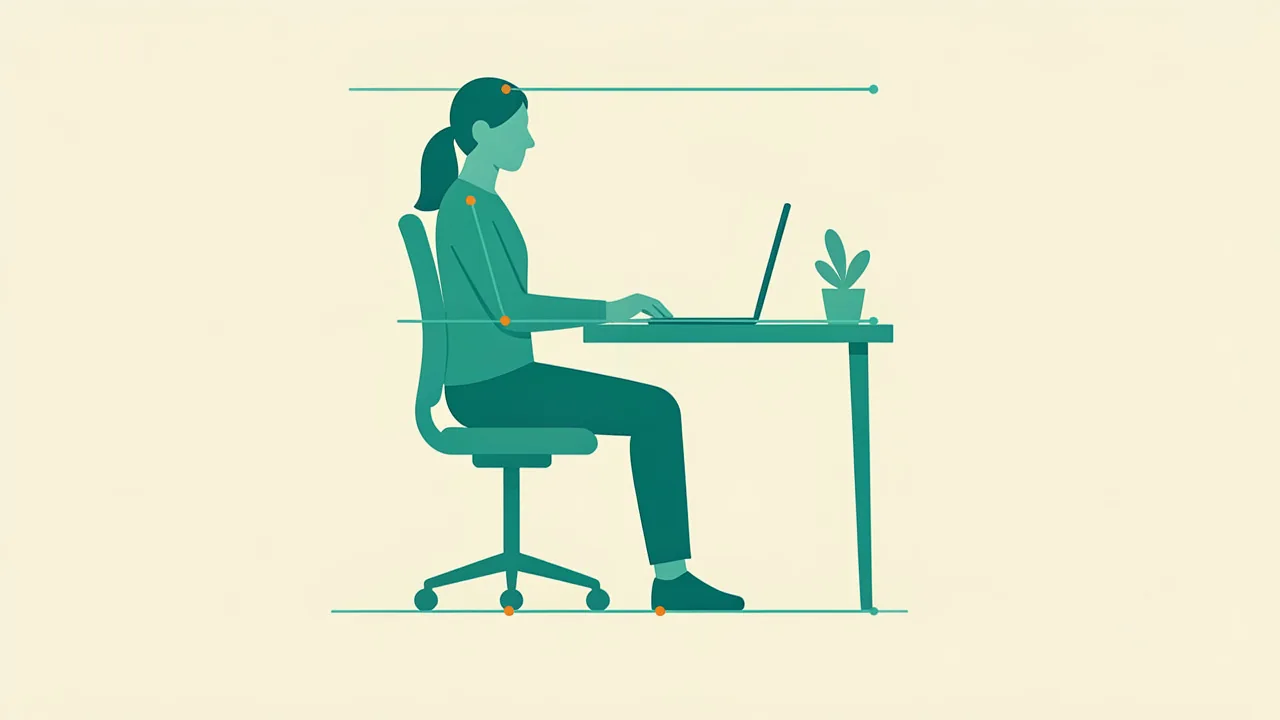
A good chair and a desk at the right height matter more than expensive gadgets. Browse our furniture and décor for desks, chairs and storage, and check home gadgets for lighting and small extras. Take a short break every 20 to 30 minutes, stand up and stretch.
Most home offices need an operating system, an office suite and security software. Always use genuine, properly licensed software. It keeps you secure, receives updates and avoids problems later. Check the licence type and version before you buy, and make sure it matches how you will use it. Browse our software keys for productivity and system software.
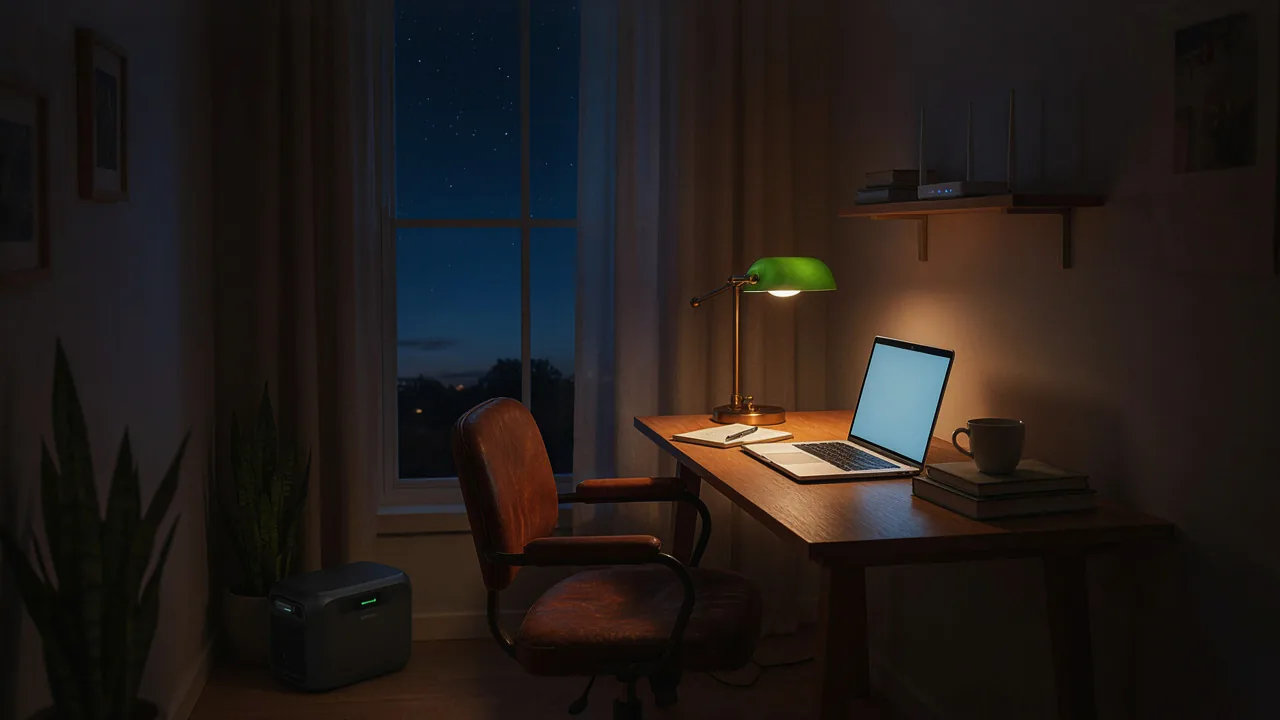
For South African home workers, this matters as much as the computer itself. A laptop with a good battery, a small backup for your router and a power bank for your phone keep you online through most outages. Our full guide, how to keep your laptop working during power cuts, compares every option, from a replacement laptop battery to solar and power solutions.
A laptop can be lost, stolen or fail. Keep a second copy of important files on an external drive and another in cloud storage. A simple rule: three copies, two types of storage, one off-site.
| Level | What you get | Best for |
|---|---|---|
| Essential | Refurbished laptop (8GB RAM, SSD), external keyboard and mouse, a stable desk and chair, router backup | Part-time remote work, studying |
| Comfortable | Refurbished desktop or laptop plus external monitor, headset, webcam, desk lamp, ergonomic chair, power station or UPS | Full-time remote work |
| Power user | New laptop or desktop with 16GB RAM, dual monitors, quality chair and desk, hybrid backup power | Creative work, multi-tasking, small business |
Start at the level that fits your budget and upgrade piece by piece. The computer and chair are the two items worth spending a little more on.
For most people, a refurbished business laptop with 8GB of RAM and an SSD offers the best value, and its built-in battery helps during power cuts. A desktop is better if you work at one desk and want more power per rand.
It depends on your work. Start with the computer and chair, then add a monitor, keyboard and headset as your budget allows. Many people build a good setup in stages.
You do not need one, but most people find it a big productivity boost, especially for work that involves comparing documents.
Yes. If it has enough memory and storage, it works well. See our best laptops for students guide.
Start with a computer, then add accessories and home goods to finish the job.
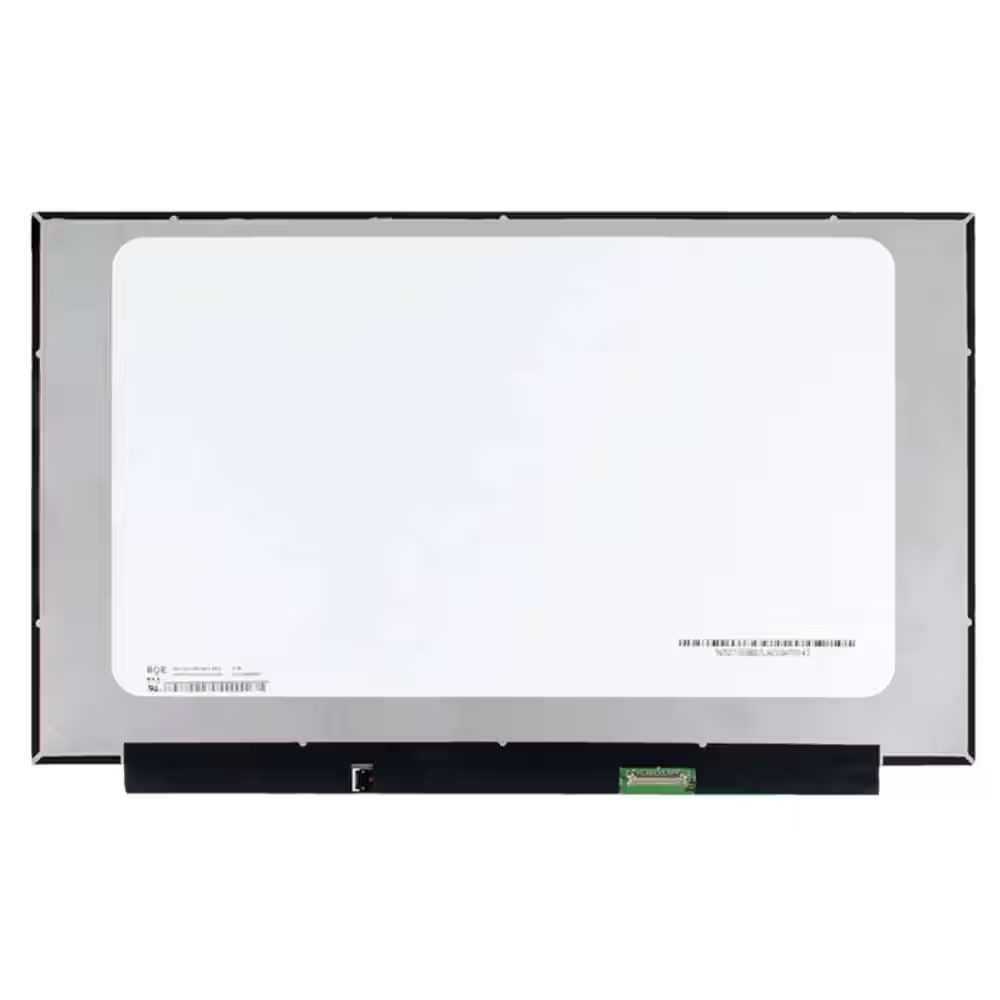 Screen Replacement for BOE NE156FHM-NZ3 V8.0 V8.1 40pin 360Hz FHD 1920x1080 IPS 15.6 LED Display
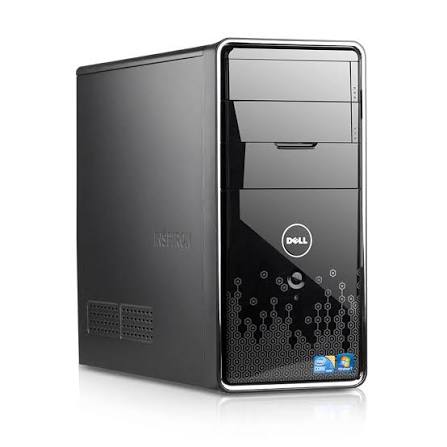 Dell Inspiron 580 Desktop PC: Intel Core i3, 4GB RAM, Mini Tower - 500Gb HDD - Win 10 - Office
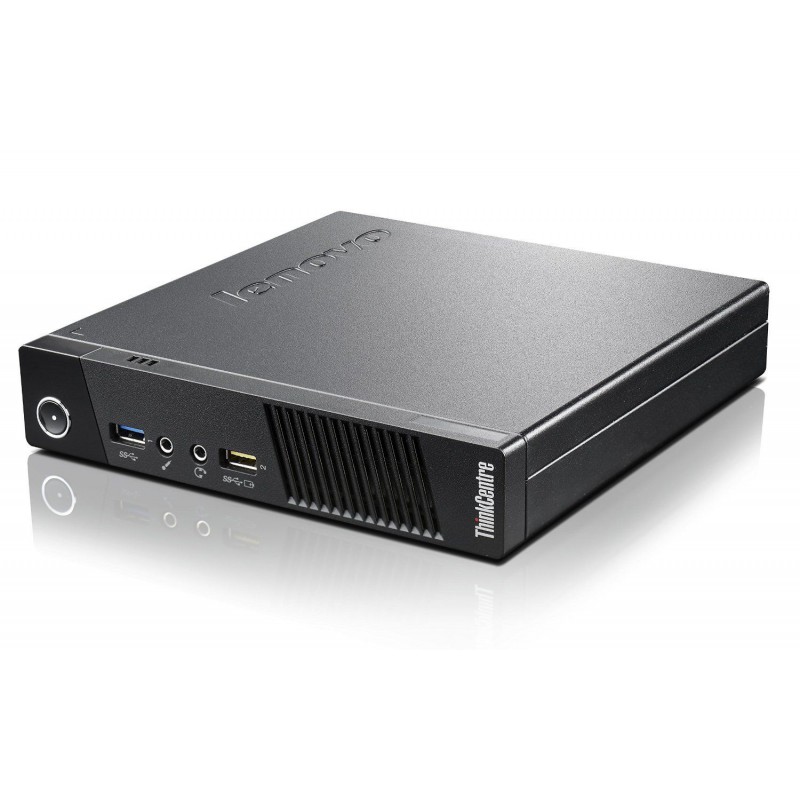 Lenovo Thinkcentre M93p Tiny Intel Core i5-4570T 4GB DDR3 Windows 11 Installed
Are refurbished laptops worth it in South Africa? Learn what to check, what warranty to expect and how to avoid bad deals before you buy.
Read more →Refurbished or new laptop? Compare price, performance, warranty and battery life, and find out which suits your budget and your work in…
Read more →Step-by-step guide to finding the right laptop battery, screen, keyboard or charger in South Africa, plus how to fit it safely and save on…
Read more →