Refurbished Laptops in South Africa – The Complete 2026 Buying Guide
Are refurbished laptops worth it in South Africa? Learn what to check, what warranty to expect and how to avoid bad deals before you buy.
Read more →· 7 min read
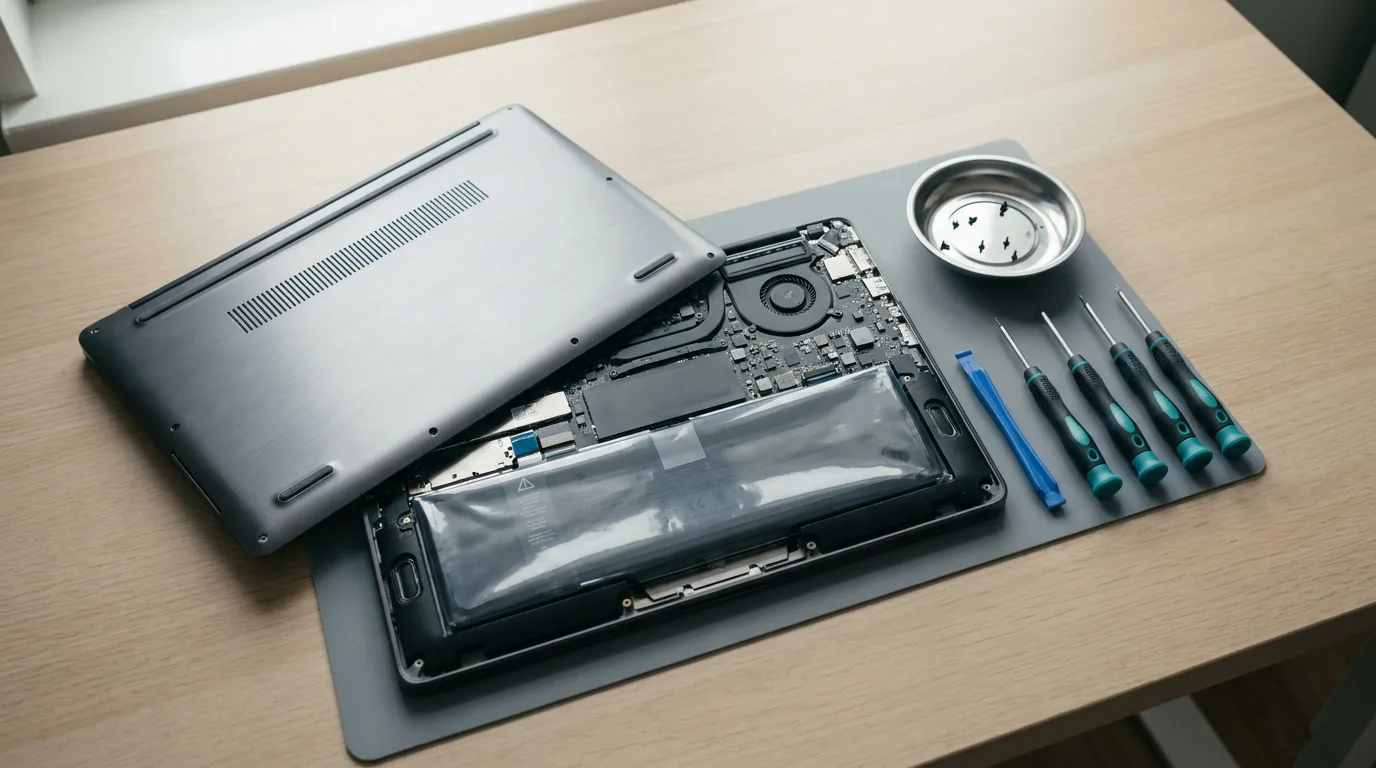
A failing battery, a cracked screen, a sticky keyboard or a dead charger does not mean the end of your laptop. In most cases it is a cheaper fix than buying a new machine, and many repairs take less than an hour with basic tools.
This guide shows you how to identify the right part, what to check before you buy, and how to fit each of the four most common replacements. Everything mentioned is available in our laptop replacement parts range.
The single most common mistake is ordering a part that almost fits. Laptops of the same name can use different parts, so work from exact numbers instead of guesses.
You do not need a workshop. For most repairs you need:
Safety rules that apply to every repair:
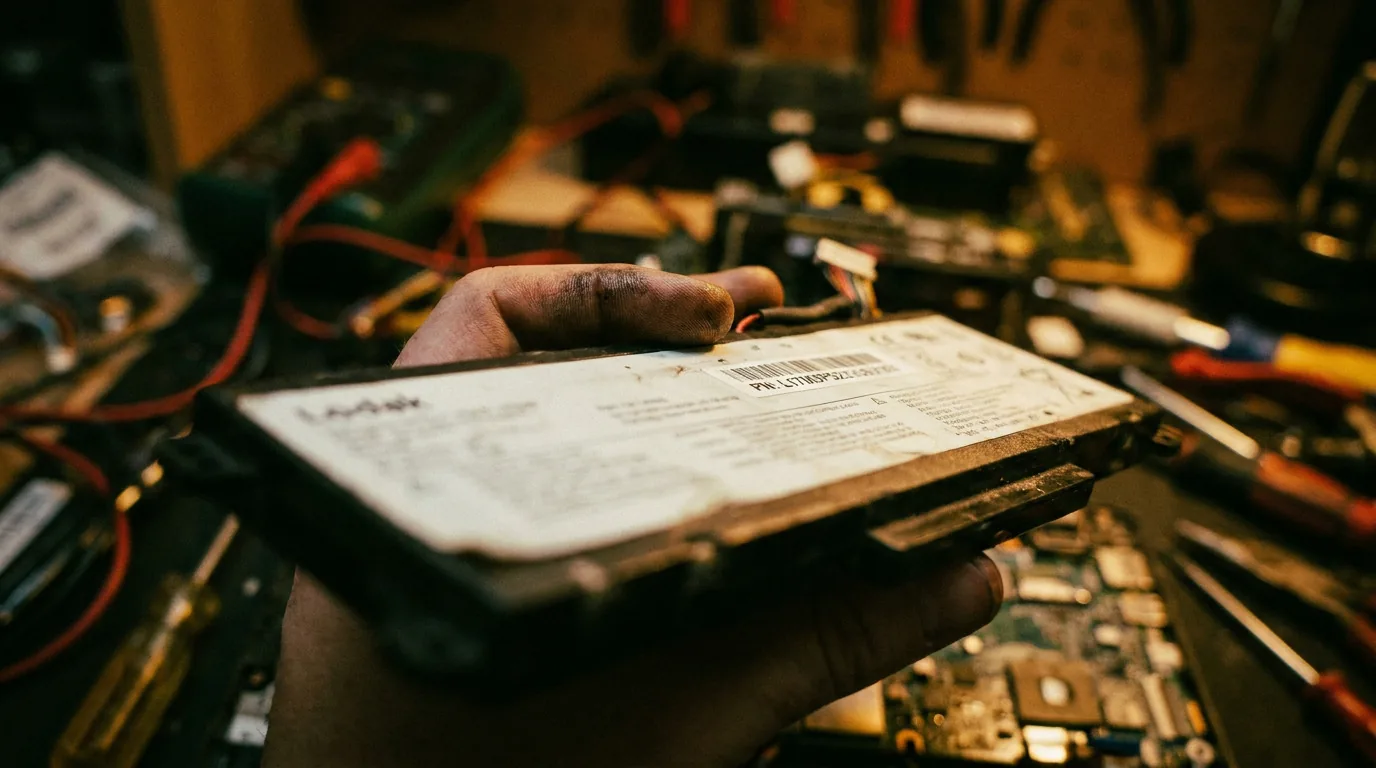
A battery is the most common repair and the one most worth doing in South Africa, because your battery is your power-cut backup.
Signs include the laptop shutting down at 30 or 40 percent, runtime that has collapsed, a swollen case or trackpad lifting, or a Windows warning to replace the battery. To check its condition, open Command Prompt and type powercfg /batteryreport. Windows creates a report showing design capacity and full-charge capacity. If the full-charge number is far below the design capacity, the battery is worn.
Browse our laptop batteries to find a match.
Screens are the second most common repair, and they are more straightforward than most people expect.
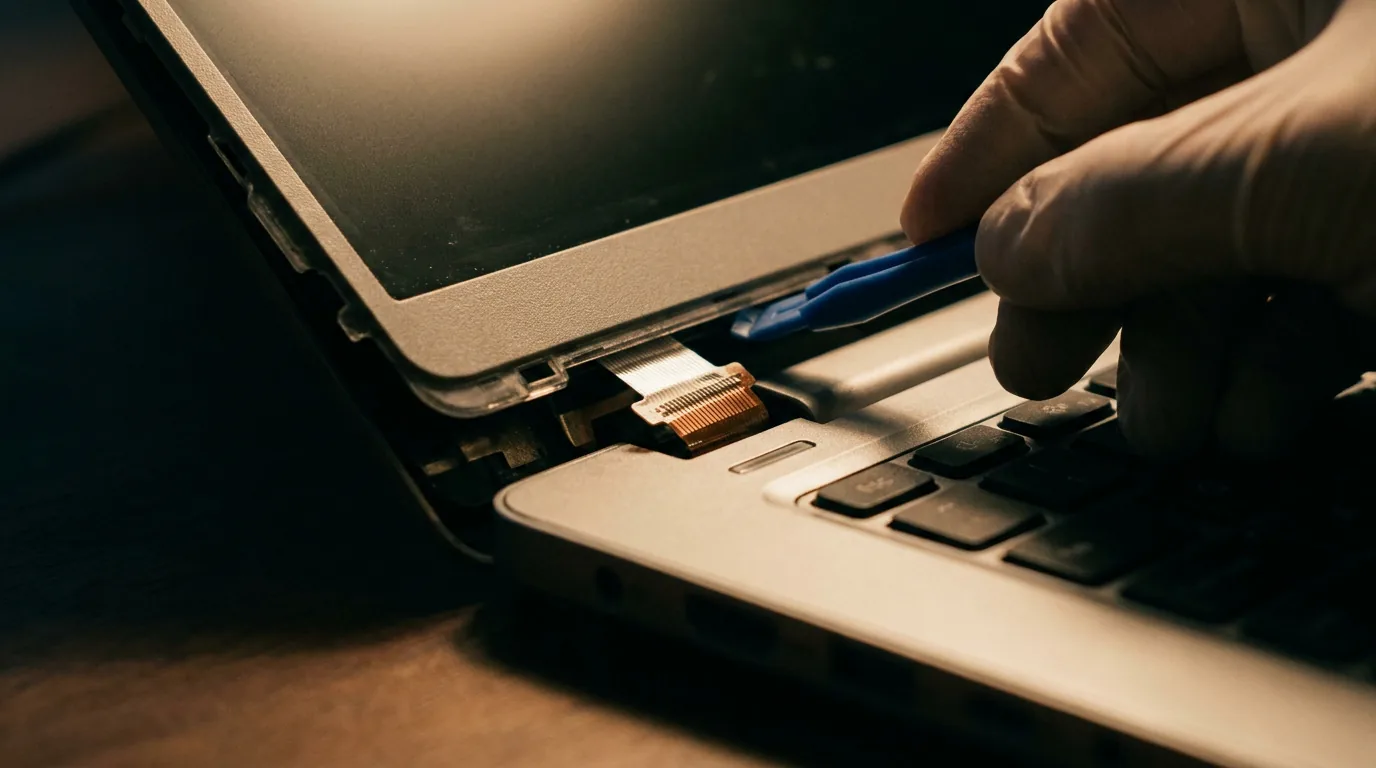
A screen must match on several points:
As an example, one of our listings is a 15.6 inch FHD IPS replacement screen with a 40-pin connector. Details like these tell you whether a panel fits your laptop.
See all laptop screens in our range.
A keyboard replacement is a good fix for spills, dead keys or worn lettering.
Browse laptop keyboards for your model.
A charger is the easiest part to replace and the easiest to get wrong. Match these details:
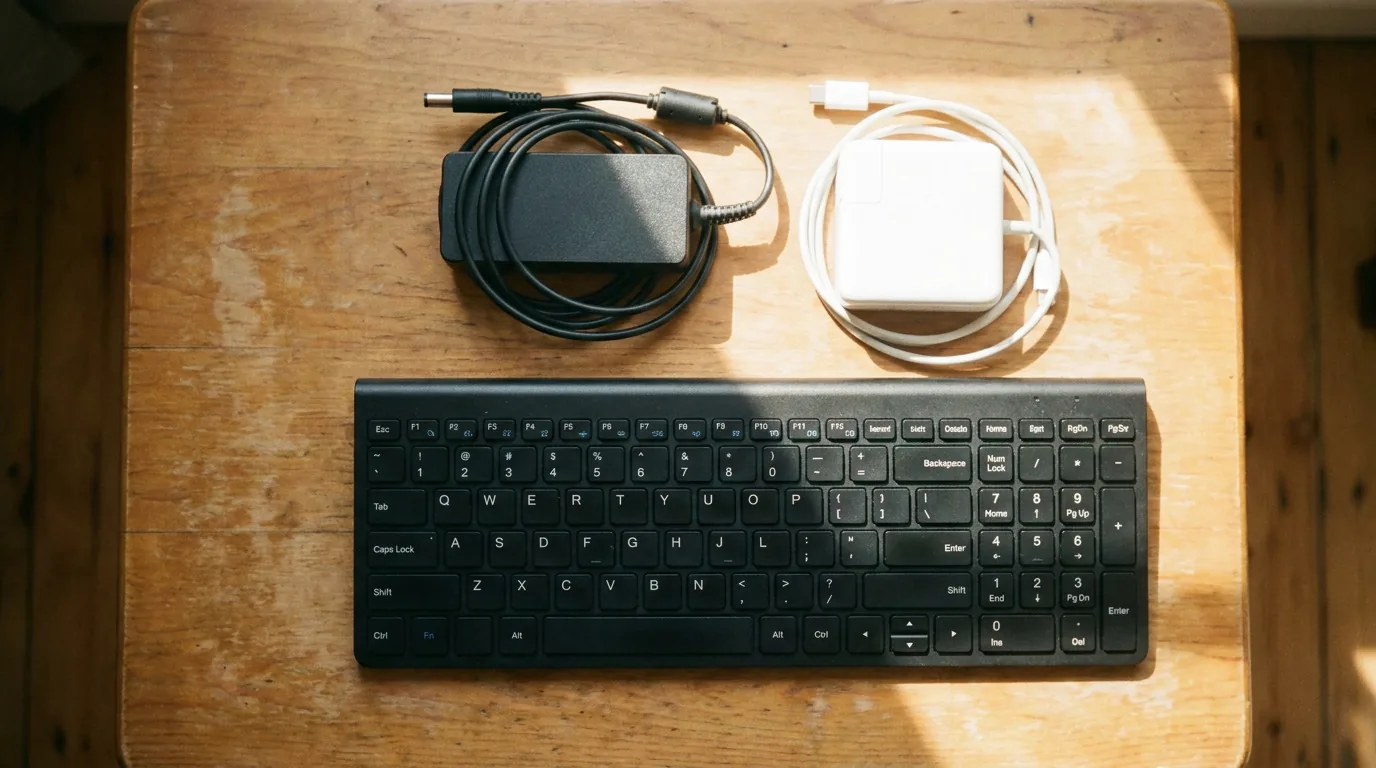
Find the right one in our laptop chargers collection.
For older or discontinued models, new parts can be hard to find or expensive. Our refurb parts range offers tested second-hand components that keep older laptops running without paying full price.
Some jobs are best left to a professional:
There is no shame in asking for help. A careful fix is cheaper than a mistake.
A rule of thumb: if the repair costs less than a third of what a similar laptop would cost and the laptop otherwise runs well, repair it. If the laptop is very old, slow and has several faults, you may be better off upgrading. Our refurbished laptops are a good middle ground, and our buying guide explains what to look for. If you are weighing it up, see refurbished vs new laptops. To keep working during outages while your laptop is being fixed, read how to keep your laptop working during power cuts.
Most laptop batteries start losing noticeable capacity after two to three years of regular use, depending on how often they are charged and how hot the laptop runs.
Yes, if you match the part number, connector and size, and take your time. Most people can do it in under an hour.
No. Match the voltage, connector and a wattage equal to or above the original.
You can order batteries, screens, keyboards and chargers from our laptop replacement parts section, delivered nationwide.
Cannot find the part for your laptop? Use the chat on our site. Our team will help you source it.
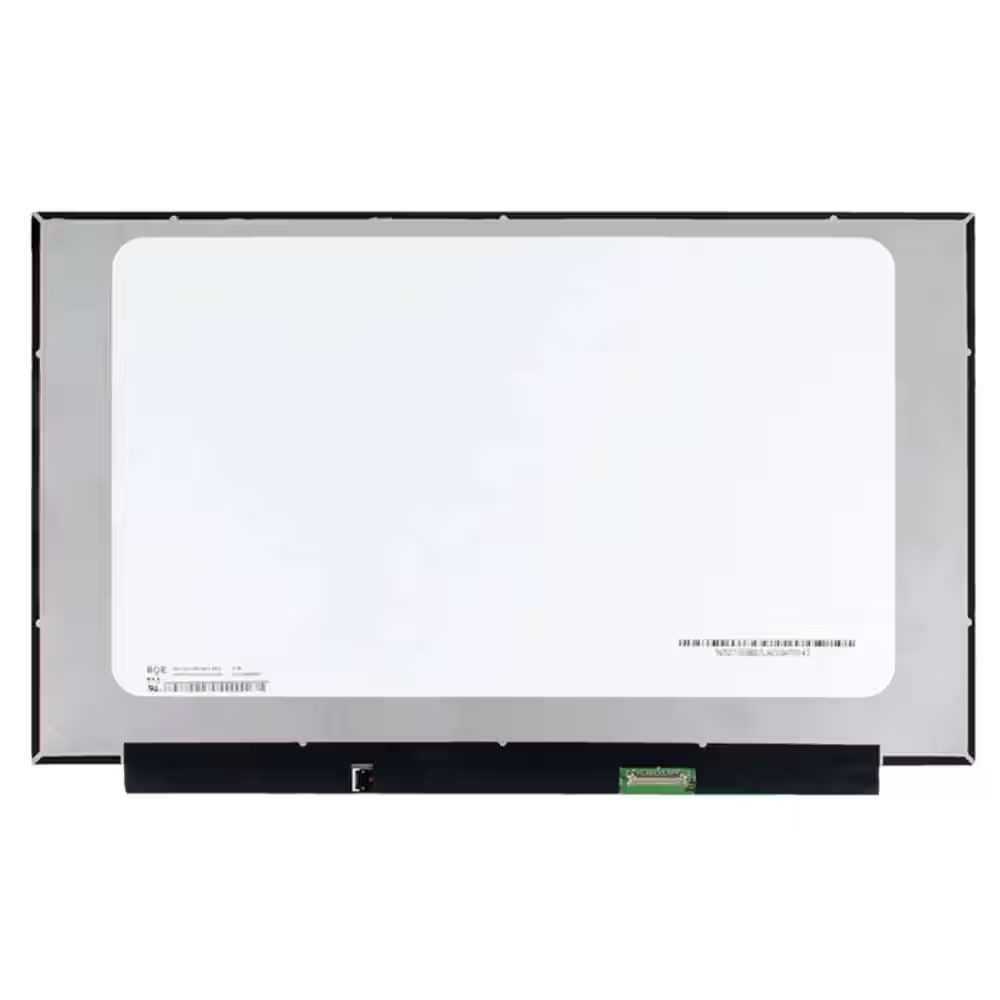 Screen Replacement for BOE NE156FHM-NZ3 V8.0 V8.1 40pin 360Hz FHD 1920x1080 IPS 15.6 LED Display
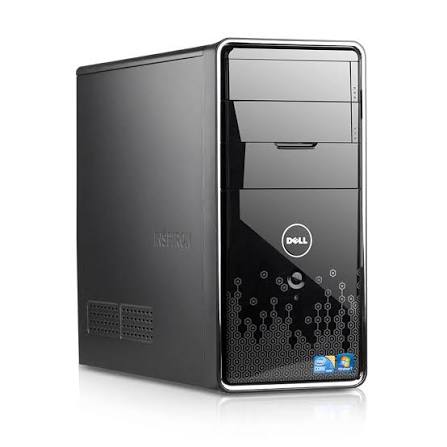 Dell Inspiron 580 Desktop PC: Intel Core i3, 4GB RAM, Mini Tower - 500Gb HDD - Win 10 - Office
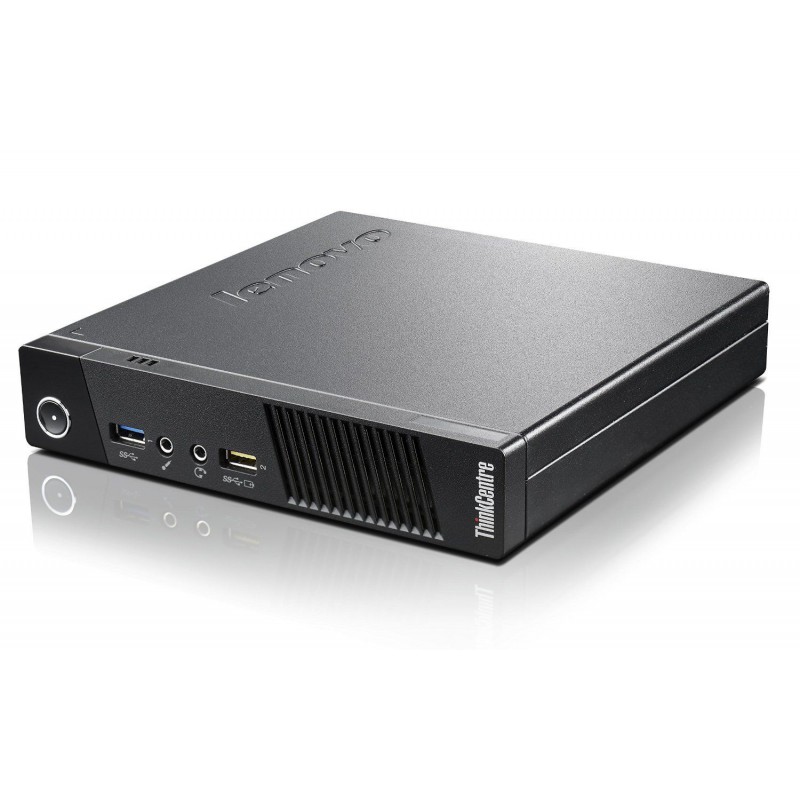 Lenovo Thinkcentre M93p Tiny Intel Core i5-4570T 4GB DDR3 Windows 11 Installed
Are refurbished laptops worth it in South Africa? Learn what to check, what warranty to expect and how to avoid bad deals before you buy.
Read more →Refurbished or new laptop? Compare price, performance, warranty and battery life, and find out which suits your budget and your work in…
Read more →Choosing a student laptop in South Africa? See the specs that matter, how much RAM you need, battery tips and where refurbished laptops save…
Read more →