Refurbished vs New Laptop in South Africa – Which Should You Buy?
Refurbished or new laptop? Compare price, performance, warranty and battery life, and find out which suits your budget and your work in…
Read more →· 7 min read
Buying a new laptop in South Africa is expensive, and the cheapest new models often come with slow processors, small drives and flimsy plastic builds. A professionally refurbished laptop gives you something different: a better-built machine, usually from a business range, at a price closer to an entry-level new laptop.
This guide explains what refurbished really means, where these laptops come from, what to check before you pay, and how to spot a bad deal. If you would rather browse straight away, our refurbished laptops are tested and come with a 6-month warranty on faulty goods.
The word gets used loosely, so it helps to separate three things:
The important difference is the safety net. A refurbished laptop from a proper seller comes with testing and someone to call when something goes wrong. A used laptop from a stranger comes with neither.
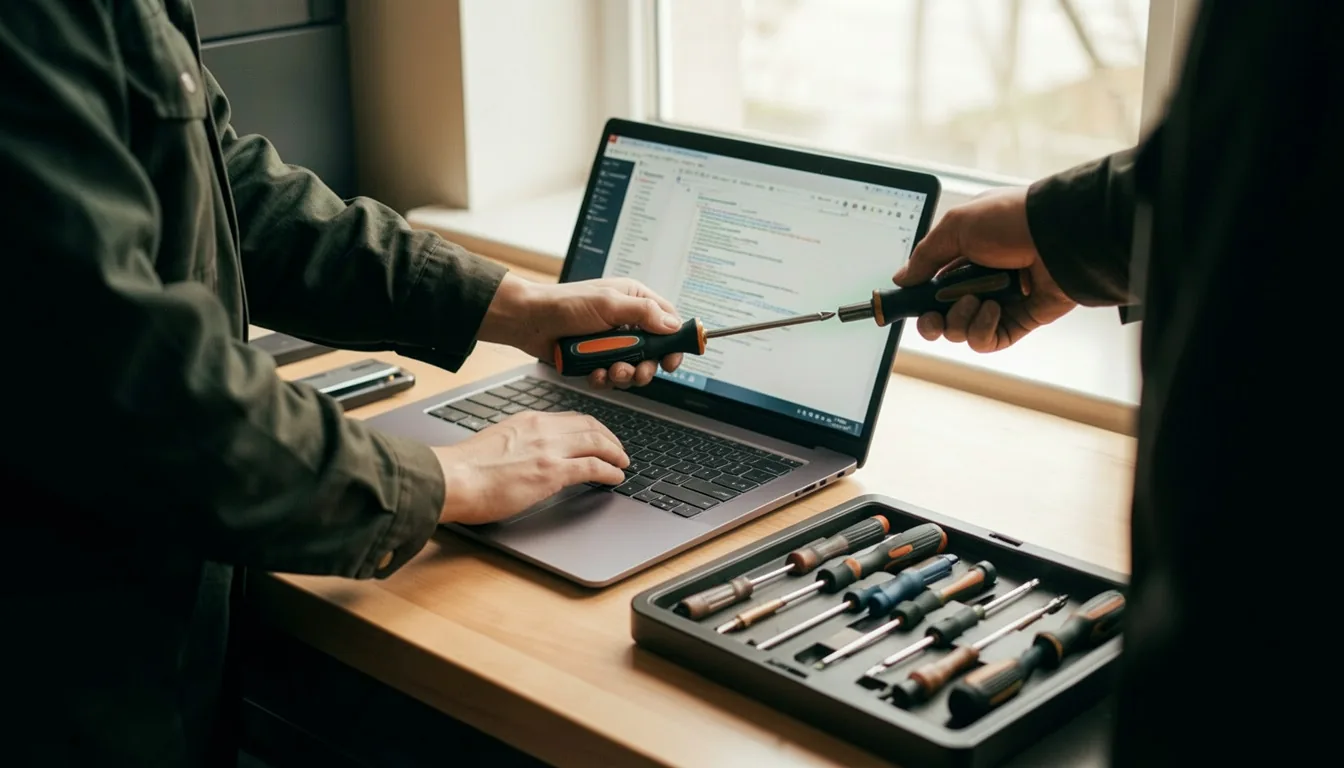
Most refurbished laptops in South Africa begin life in corporate fleets. Companies replace their laptops every three to four years, and the old machines are returned in bulk as lease returns. These laptops were mostly used for office work, kept in a managed environment and are typically two to four years old by the time you see them.
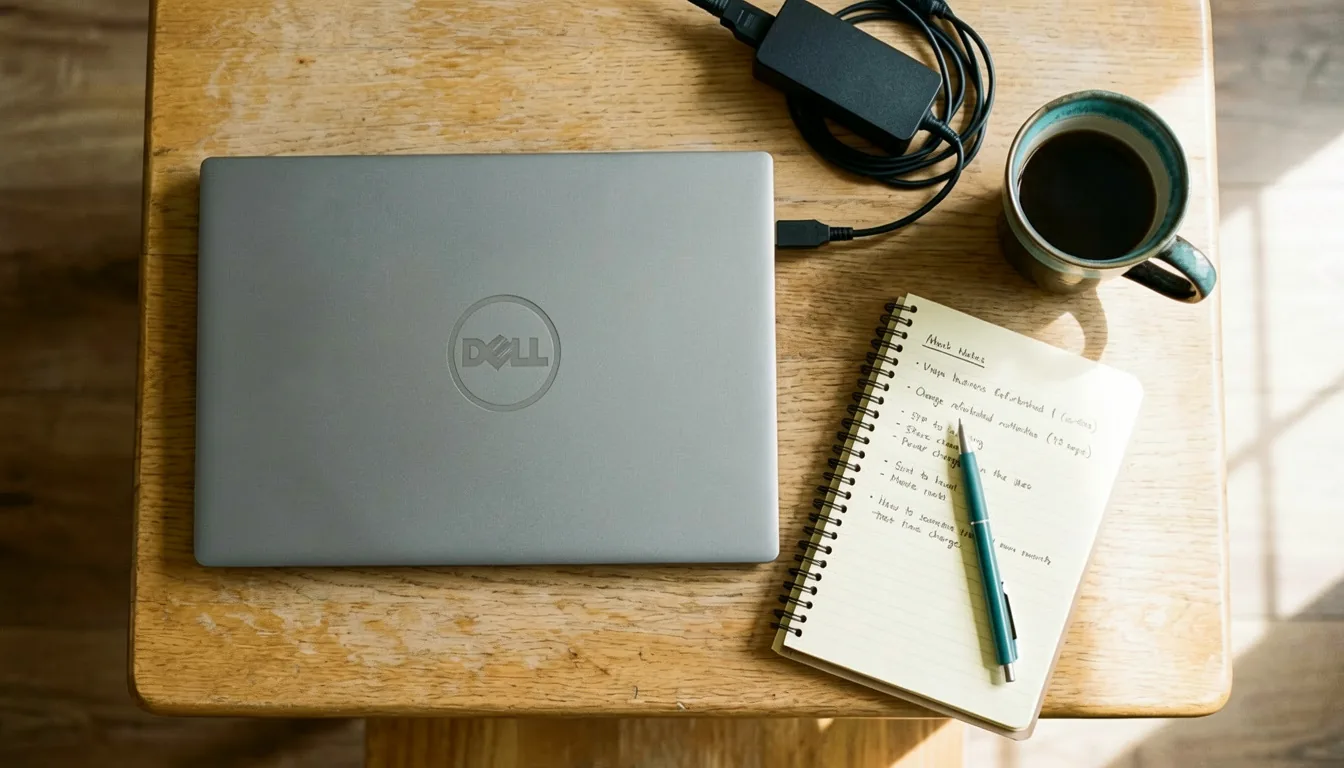
That matters because business laptops are built differently from budget consumer models. They tend to have sturdier hinges, better keyboards, metal or reinforced cases and more upgrade options. A good example is the Dell Latitude E7470 with Core i5, 8GB RAM and 256GB SSD, a typical business ultrabook of the kind that moves from offices into the refurbished market.
For most people, yes. Here is why:
The honest trade-off is that the laptop is not brand new, and the newest processors and features are not included. If you need the latest gaming hardware or the newest chip, a new laptop is the better route. We compare the two in detail in our refurbished vs new laptop guide.
Use this list on any refurbished laptop, from us or anyone else.
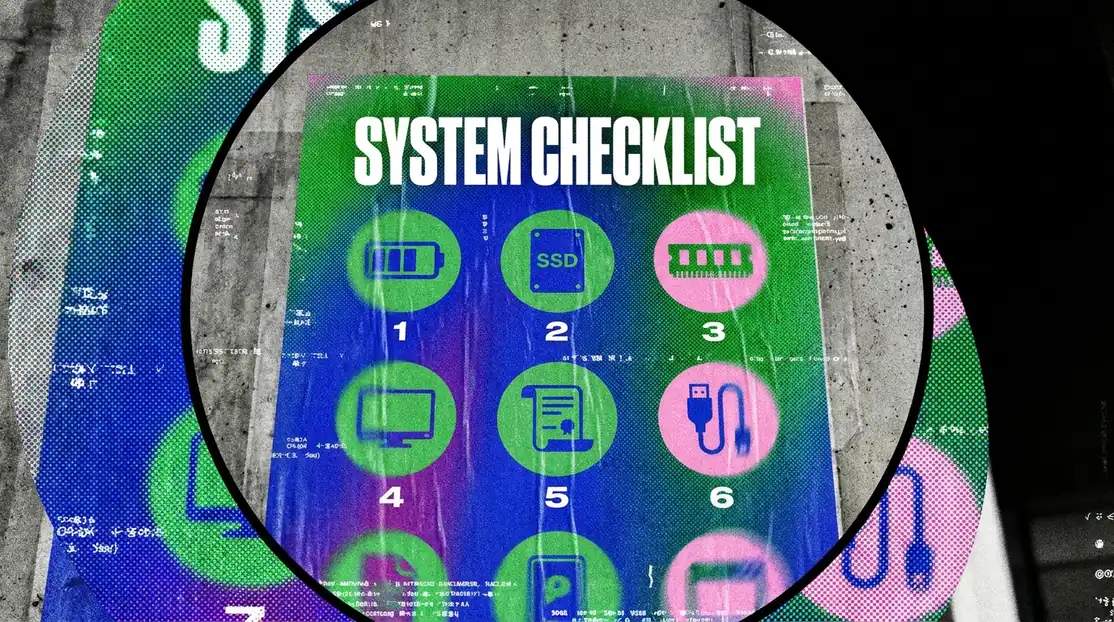
In South Africa a laptop battery is more than a convenience. It keeps you working when the power cuts out, so battery health deserves more attention here than almost anywhere else. When you ask about battery cycle count, you are really asking how many hours you will get through a power cut.

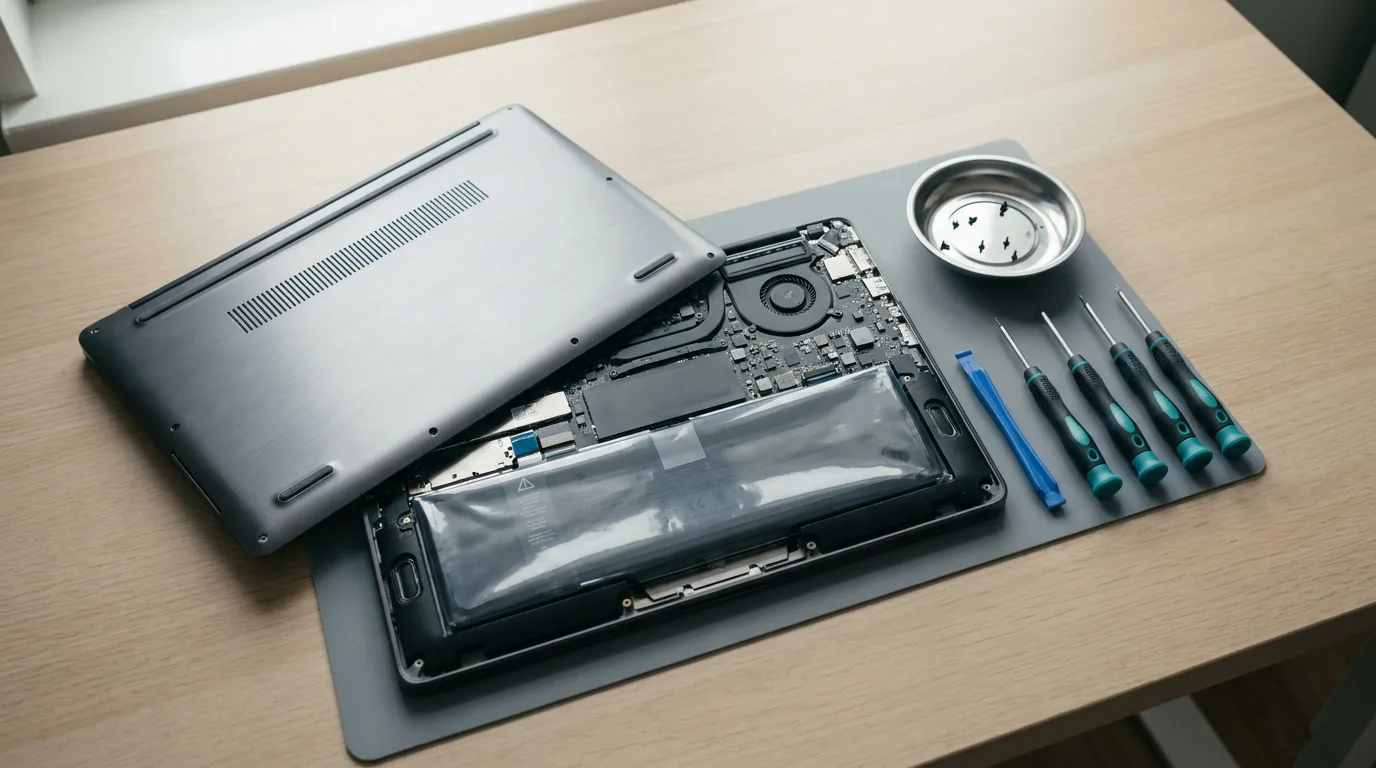
The good news is that a tired battery is one of the cheapest things to fix. If a laptop you love has a weak battery, a new one from our laptop batteries range can bring it back to life. Our guide to replacing a laptop battery, screen or keyboard walks you through it step by step, and our post on keeping your laptop working during power cuts covers the rest of your backup options.
On a refurbished laptop the warranty almost always comes from the seller, not the original manufacturer. That makes the seller the most important part of the deal. A strong warranty from a retailer you can reach is worth more than a slightly lower price from a stranger.
Check three things: how long the cover lasts, what it includes (parts, labour, or both), and how a claim works. Everything we sell, refurbished laptops included, is covered by a 6-month warranty on faulty goods. Details sit on our customer help page, and our team can answer questions before you buy.
Pay with a method that offers buyer protection where you can. We accept secure card payments and EFT.
| What you will do | Minimum to look for |
|---|---|
| Browsing, email, Office, Zoom | 8GB RAM, 256GB SSD, recent Intel Core i5 or Ryzen 5 |
| School or university work | 8GB RAM, 256GB SSD, a battery that lasts a few hours |
| Remote work and video calls | 8–16GB RAM, SSD, good webcam and battery |
| Light photo editing | 16GB RAM, 512GB SSD, a clear IPS screen |
For heavy gaming or 3D work, buy new. Gaming laptops take a lot of punishment, so a refurbished one needs extra caution.
Yes, when they come from a seller who tests them and backs them with a warranty. Business-range laptops are built for daily office use, which is why they make good refurbished buys.
With care, a good refurbished business laptop can serve you for several more years. The battery is the part most likely to need replacing, and that is an easy fix.
Aim for six months or more from the seller. Ours carry a 6-month warranty on faulty goods, and the details are on our customer help page.
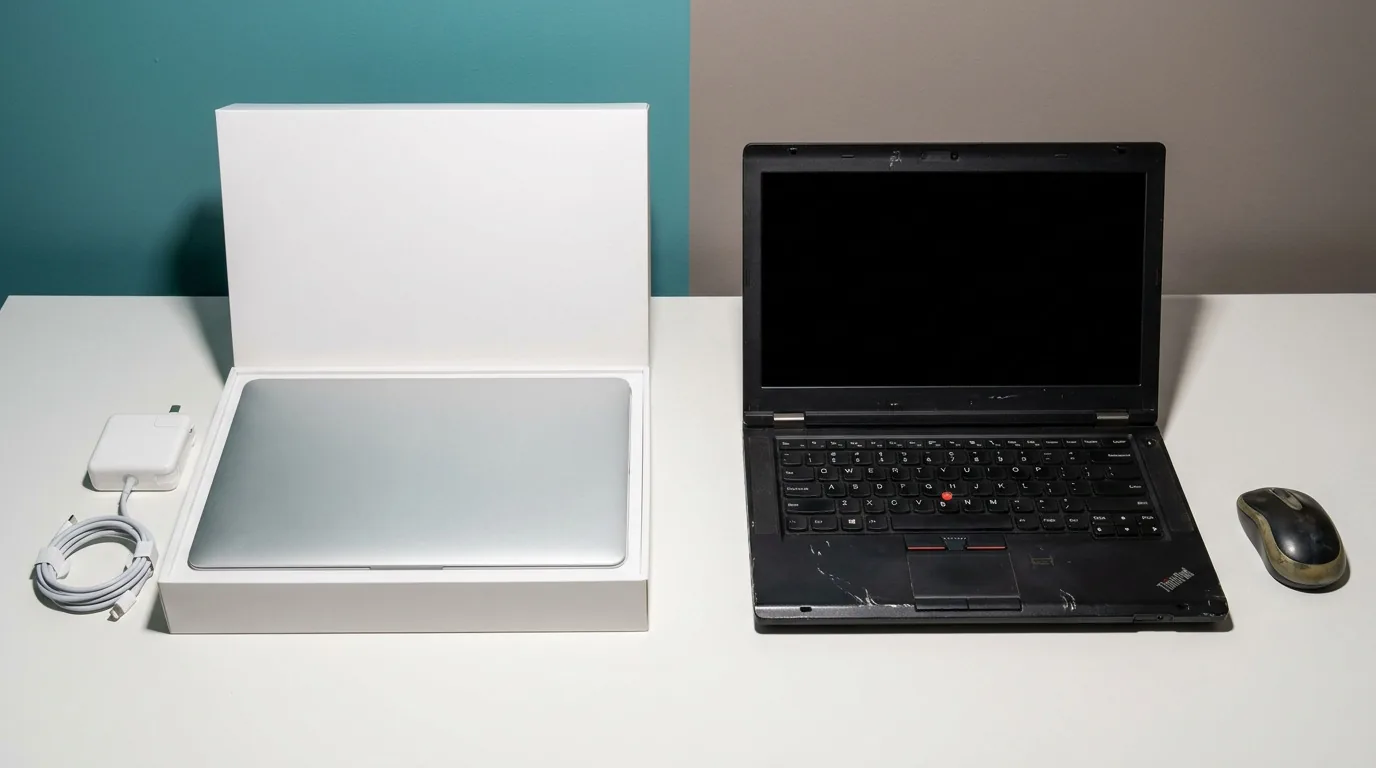
Buy refurbished if you want the most capable laptop for your budget and your work is office, study or browsing. Buy new if you need the latest processor, gaming performance or the longest possible warranty. Our comparison of refurbished and new laptops helps you decide.
Often yes. Many business models let you add memory or fit a larger SSD. Check the specific model first.
Browse our full range of refurbished laptops, or explore refurbished desktops if you do not need portability. Cannot find the specification you want? Use the chat on our site and our team will help you source it.
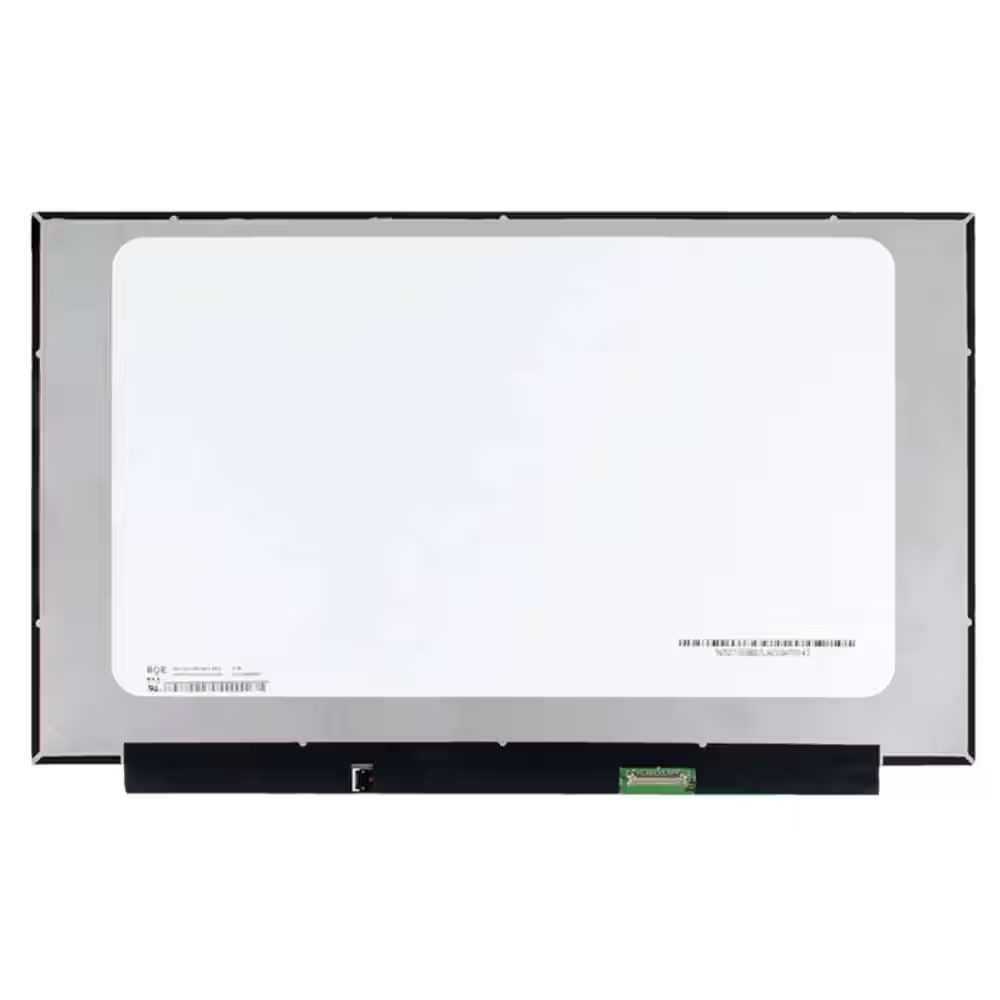 Screen Replacement for BOE NE156FHM-NZ3 V8.0 V8.1 40pin 360Hz FHD 1920x1080 IPS 15.6 LED Display
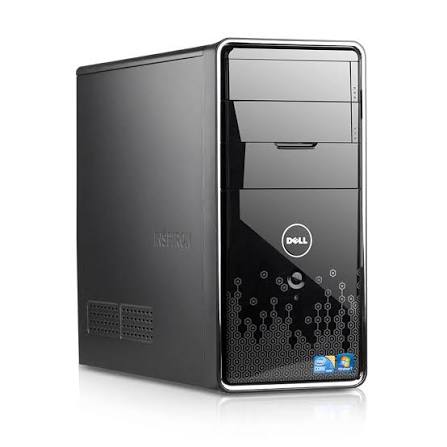 Dell Inspiron 580 Desktop PC: Intel Core i3, 4GB RAM, Mini Tower - 500Gb HDD - Win 10 - Office
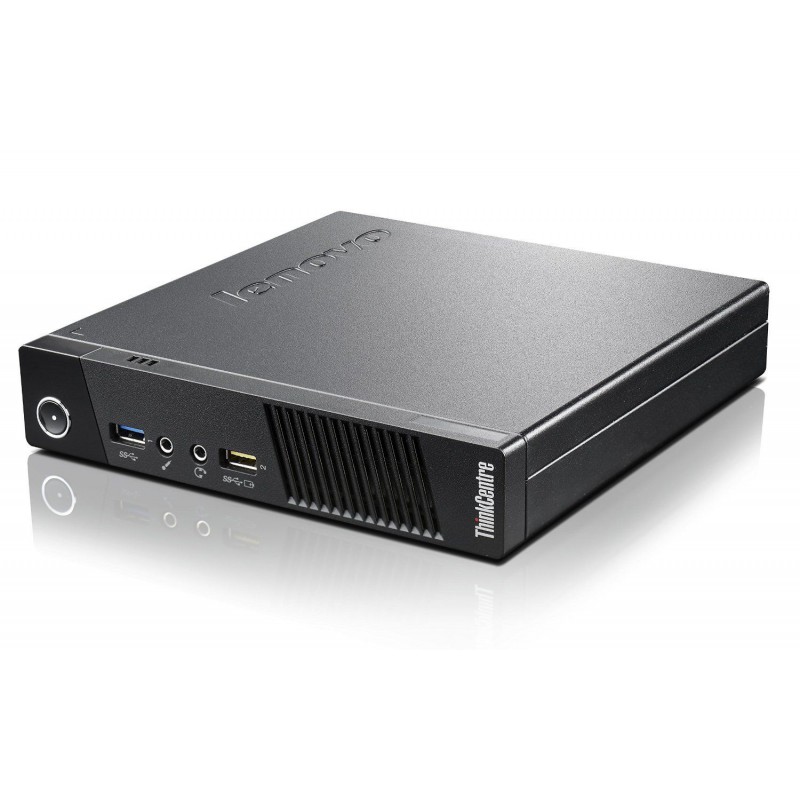 Lenovo Thinkcentre M93p Tiny Intel Core i5-4570T 4GB DDR3 Windows 11 Installed
Refurbished or new laptop? Compare price, performance, warranty and battery life, and find out which suits your budget and your work in…
Read more →Step-by-step guide to finding the right laptop battery, screen, keyboard or charger in South Africa, plus how to fit it safely and save on…
Read more →Choosing a student laptop in South Africa? See the specs that matter, how much RAM you need, battery tips and where refurbished laptops save…
Read more →