Refurbished Laptops in South Africa – The Complete 2026 Buying Guide
Are refurbished laptops worth it in South Africa? Learn what to check, what warranty to expect and how to avoid bad deals before you buy.
Read more →· 6 min read

A student laptop has a tough job. It travels in a backpack every day, runs for hours in lectures, handles assignments, research and online classes, and has to keep working through exams and, in South Africa, through power cuts. You do not need the most expensive machine. You need a reliable one with the right specifications and a battery you can trust.
This guide shows you which specifications matter, what to skip, and how to stretch a tight budget by choosing between new laptops and refurbished laptops.
RAM decides how smoothly your laptop handles many things at once, such as a video lecture, a document and a dozen browser tabs. Eight gigabytes is the sensible minimum today. Choose 16GB if your degree involves design, programming, data analysis or video editing.
A solid-state drive makes a laptop start in seconds and open programs quickly. A laptop with a mechanical hard drive feels slow even with a good processor. A 256GB SSD is enough for most coursework if you also use cloud storage. Go for 512GB if you keep large files.
For study work, a recent mid-range processor is plenty. Avoid very old generations and entry-level chips that struggle with modern software. A newer generation also receives updates for longer, which matters for a laptop that must last years.
Your battery decides whether you finish a lecture or a power cut ends your work. Look for a laptop that comfortably lasts a few hours, and if you buy refurbished, ask about battery health. A weak battery is easy and cheap to replace. See our laptop batteries and our battery replacement guide. Keep a spare charger for campus or the library.
A laptop that goes in your bag every day should survive knocks. Business-class laptops are built tougher than many budget models, which is one reason refurbished business laptops make excellent student machines. Look for a solid hinge, a good keyboard and a weight you can carry comfortably, ideally under 2kg.
Set your budget first, then look for the best specification you can afford. Here is what to aim for at each level:
| Budget level | What to look for | Best choice |
|---|---|---|
| Tight | 8GB RAM, 256GB SSD, Core i5 or equivalent, a healthy battery | A tested refurbished business laptop |
| Mid-range | 8–16GB RAM, 256–512GB SSD, recent processor, good battery life | Refurbished late-model or entry new laptop |
| Higher | 16GB RAM, 512GB SSD, newest processor, lighter build | A new laptop with full warranty |
Most students are better off with a refurbished laptop. You get a better-built machine for the same money, and the saving can go towards a backpack, a mouse or a replacement battery. Our refurbished laptops come with a 6-month warranty on faulty goods. Read our refurbished laptop buying guide before you buy.
Choose new if you are doing a demanding degree such as engineering, architecture or media, if you want a long warranty, or if the laptop will need to last five years or more. Our refurbished vs new laptop comparison explains how to decide.
| Field of study | Recommended specification |
|---|---|
| Humanities, law, education | 8GB RAM, 256GB SSD, lightweight, strong battery |
| Commerce, accounting | 8–16GB RAM, SSD, a good keyboard for long typing sessions, a numeric keypad is useful |
| Science and health sciences | 8–16GB RAM, 256–512GB SSD, reliable battery |
| Engineering, IT, data | 16GB RAM, 512GB SSD, strong processor |
| Design, media, architecture | 16GB RAM or more, 512GB SSD, a dedicated graphics card and a colour-accurate screen, usually a new laptop |
Always check your faculty's requirements. Some courses specify software or minimum specifications.
Most students need an operating system, an office suite and a PDF reader. Many universities give students free or discounted access to office software, so check with your institution before you buy a licence. If you do need software, always use genuine, properly licensed versions. Browse our software keys for productivity and system options.
See our full computer accessories range.

Before exams, charge everything fully, download notes for offline use and keep a power bank for your phone. If you study from a residence or flat with unreliable power, read how to keep your laptop working during power cuts. Setting up a place to study at home? See our budget home office setup guide, which works equally well for a study corner.

Eight gigabytes is enough for most coursework. Choose 16GB for design, programming, data or video work.
Yes. A tested business-class refurbished laptop is a smart, budget-friendly choice for most degrees, as long as it has an SSD, enough RAM and a healthy battery.
No, unless your course needs heavy graphics or you also game seriously. A standard laptop costs less and is lighter to carry.
A laptop, because you can take it to lectures and the library, and its battery helps during power cuts. A desktop gives more power per rand if you study at one desk. See our refurbished desktops.
Aim to buy before the academic year starts, so you have time to set it up, install software and test it. Popular models sell out when registration opens.
Browse our refurbished laptops for the best value, or our new laptops if you want the newest hardware. Questions? Use the chat on our site and our team will help you choose.
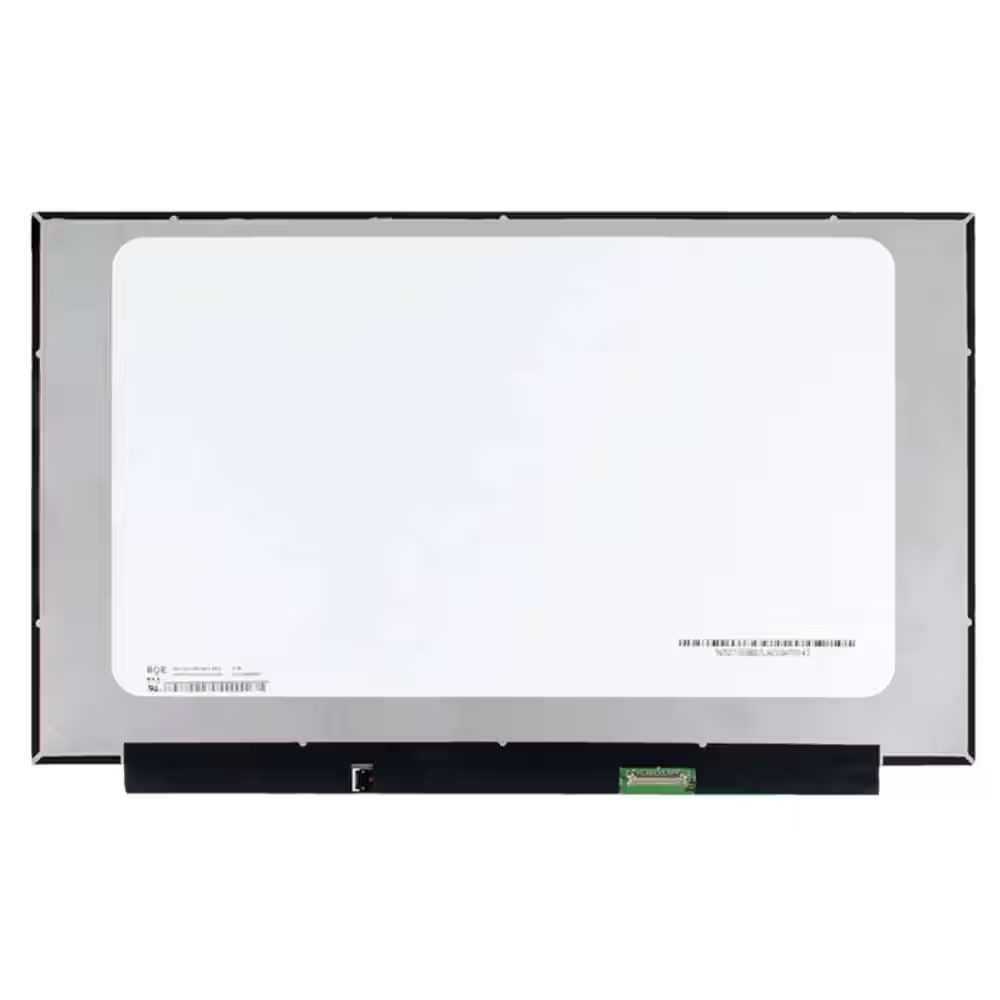 Screen Replacement for BOE NE156FHM-NZ3 V8.0 V8.1 40pin 360Hz FHD 1920x1080 IPS 15.6 LED Display
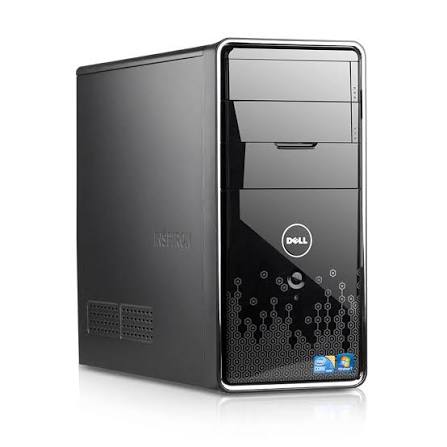 Dell Inspiron 580 Desktop PC: Intel Core i3, 4GB RAM, Mini Tower - 500Gb HDD - Win 10 - Office
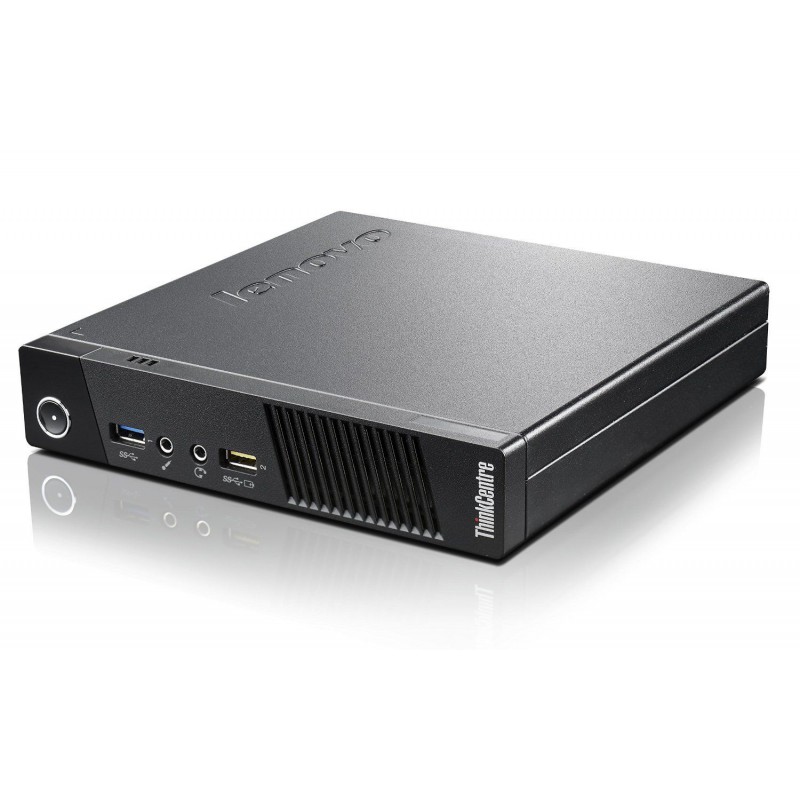 Lenovo Thinkcentre M93p Tiny Intel Core i5-4570T 4GB DDR3 Windows 11 Installed
Are refurbished laptops worth it in South Africa? Learn what to check, what warranty to expect and how to avoid bad deals before you buy.
Read more →Refurbished or new laptop? Compare price, performance, warranty and battery life, and find out which suits your budget and your work in…
Read more →Step-by-step guide to finding the right laptop battery, screen, keyboard or charger in South Africa, plus how to fit it safely and save on…
Read more →